

HOW QCARD WORKS
Put it in Qcard.
Let it come to you.
Capture something when you think of it. Qcard reminds you when it’s due, and helps you follow through at your own pace.
Catch the thought.
Before it’s gone.
Something pops into your head. You know how quickly it can disappear.
With Qcard open, a quick shake of your phone opens a new reminder with the description field ready. Just type—or speak using your phone’s dictation—while the thought is still there.
A few words and a time are enough. Then you can get back to what you were doing.
Not now?
That’s okay.
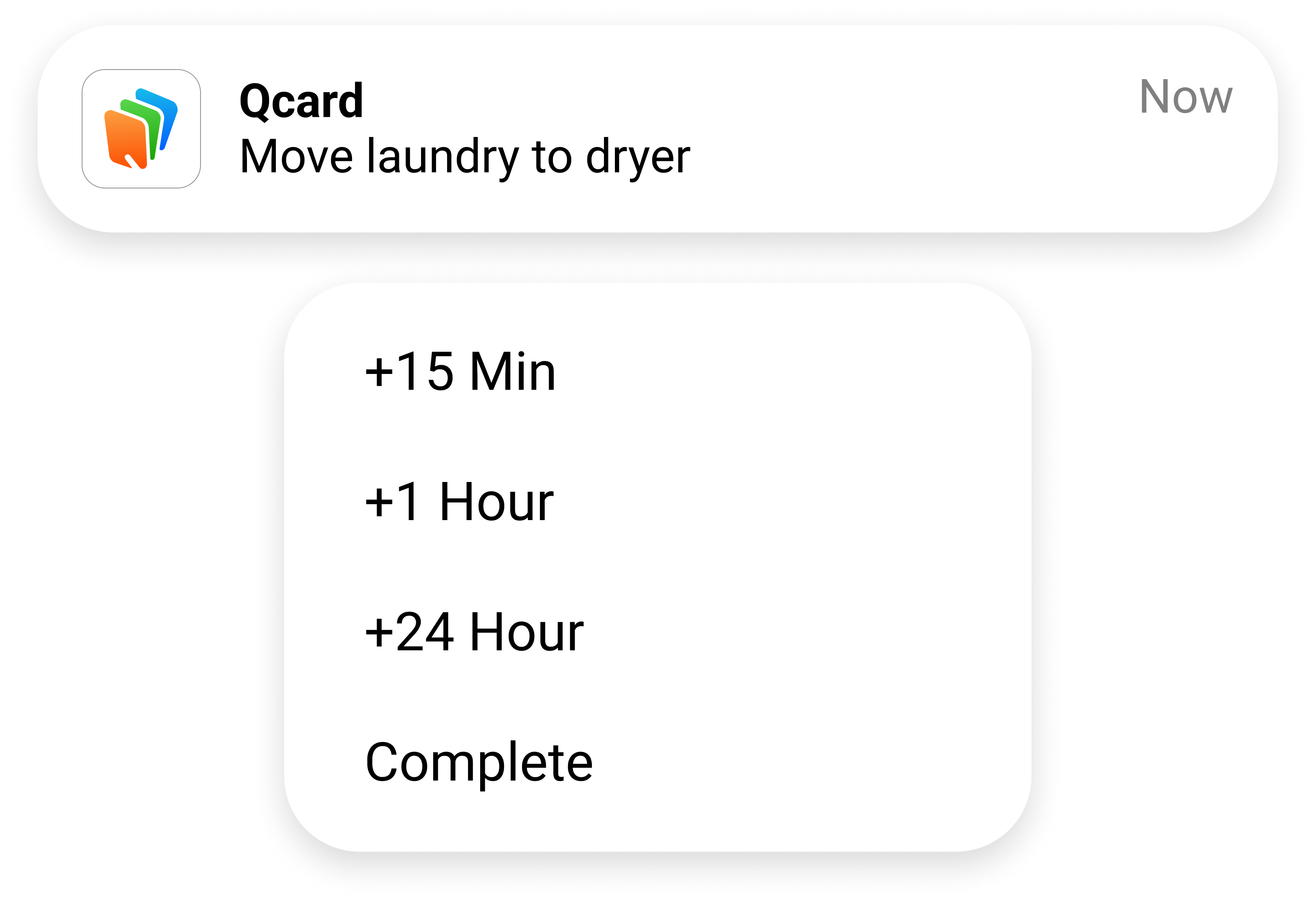
Qcard reminds you every minute until you respond. Can’t do it yet? Delay it. The alerts pause until it’s due again.
You can keep reminding yourself as often as you like, for as long as you like. A delay gives you breathing room without losing track of the task.
Delay or complete it straight from your notification. You stay in control of what happens next.
Qcard adapts to you, so you can follow through at your own pace.
You don’t have to
keep checking what’s next.
Once it’s in Qcard, you don’t have to keep checking a calendar, list, or to-do app to remember what’s ahead.
Keep doing what you’re doing. Qcard will remind you when it’s time, so your attention can stay with what’s in front of you.
“Did I do that?”
Only the Qcards you mark complete are recorded in your history. When you wonder about something later, you can look back and see what you marked done—and when.
Less to hold in your mind. A clear record to look back on.
Orange · Reminders
Get it done.
When you can.
A call to make. An email to send. The bins to take out. An orange Qcard holds a single thing you need to do.
Its due time is a prompt to give it your attention. If the moment isn’t right, you can delay the reminder and get back to it later.
The same task stays with you through each delay, until you complete or delete it. You don’t have to create it again or remember that you put it off.
“Not now” can mean later, without becoming forgotten.
Blue · Appointments
Be there.
With time to get ready.
A dentist appointment at 2:30. A meeting at 10. Some things have a fixed time, even when the rest of your day doesn’t go to plan.
A blue Qcard keeps that appointment time in place. Your first reminder can arrive as early as you like—hours, days, or even weeks ahead.
After that, you decide when to be reminded again. Keep delaying the reminder as often as you need, all the way up to the appointment. Delaying a reminder doesn’t move the appointment.
The reminder shows how much time is left, helping you keep the appointment in view while you get ready and get going.
in 2 daysin 4 hoursin 40 minutes
Time to prepare, with reminders that fit the day you’re actually having.
Green · Guided tasks
Get through it.
One step at a time.
Remembering to start the laundry is one thing. Remembering to dry it, then fold it, is another.
A green Qcard breaks a task or routine into steps, each with its own description and timing. Qcard stays with the current step until you mark it complete. Then the next step begins.
Each step has the same flexibility as an orange reminder. You can delay it when you need more time, without having to keep the rest of the routine in your head.
From laundry to a morning routine, the next step has somewhere to wait until you’re ready for it.
Focus on the step you’re doing. Qcard keeps track of what follows.
Keep the details.
Reuse what works.
Checklists keep the details with the task. Favorites keep familiar Qcards ready to use again, so a routine doesn’t have to be rebuilt every time.
Send a Qcard.
Let it do the reminding.
A conversation, a text, a phone call—you’ve asked, but you’re still left wondering whether it will get done. The other person is left with one more thing to remember.
Send a Qcard instead. The task becomes theirs to manage, with the support of Qcard and the freedom to fit it around their day.
They have room to get it done on their own terms. You’re notified when it’s complete. Neither of you has to keep the task alive through reminders to each other.
More independence for them. More peace of mind for you.
Support that goes with them.
Between partners, across a family, or from an OT to a client, a Qcard can carry more than a request. A guided task can carry a whole routine, ready for someone to work through at their own pace.
You can help put things in place without having to be there for every step.
Start with one thing.
Put it in Qcard. See what happens when you don’t have to remember it on your own.
Try Qcard free for 30 daysNo signup. No credit card. No automatic subscription when your free period ends.
After 30 days, continue for $5.99/month or $44.99/year.
See pricing details